20W Laser Cutter: What It Can Do and How to Choose One
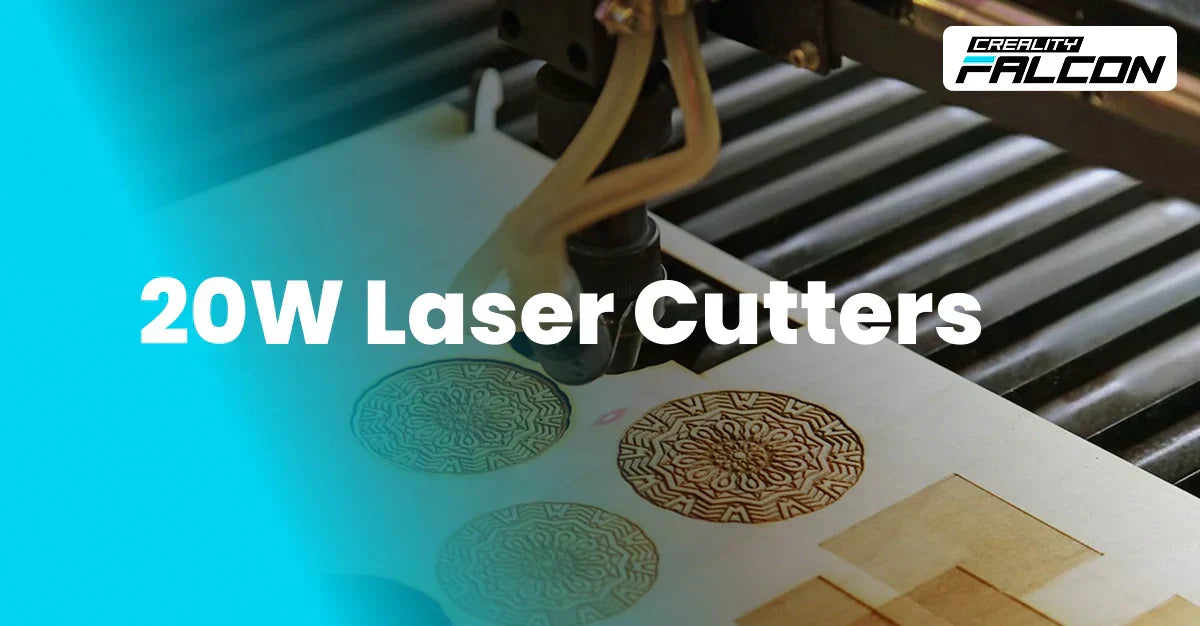
A 20W laser cutter can bring detailed engraving and light-duty cutting to a home workshop, classroom, or small business. It can mark designs on many materials and cut some thin sheets, but results depend on more than the wattage printed on the machine. The laser type, material, focus, airflow, and number of passes all affect performance.
What Does “20W” Mean?
In product listings, “20W” may refer to the laser’s optical output or to its electrical input. These are not the same. Optical output describes the energy delivered by the laser beam, while electrical input describes the power the machine draws. Check the manufacturer’s specifications to confirm which rating is being advertised.
Also check the laser type. A 20W diode laser, CO₂ laser, and fiber laser use different wavelengths and are suited to different jobs. A diode model is often used for craft materials and engraving, while CO₂ and fiber systems are designed for other material and production needs.
What Can a 20W Laser Cutter Do?
Depending on the machine and material, a 20W diode laser may be able to:
- Engrave wood, paper, cardboard, leather, and some coated or painted surfaces
- Cut thin materials such as paper, card, and certain types of wood or plywood
- Create signs, ornaments, prototypes, labels, and personalized gifts
- Mark some plastics and metals when the material’s coating or treatment is compatible with the laser
Cutting ability varies significantly. A material’s composition, color, thickness, and finish can change how it absorbs laser energy. Plywood may contain adhesives or internal layers that affect the cut, and different species of wood can produce different results. Always consult the machine manufacturer’s material guidance and test an offcut before starting a project.
Can a 20W Laser Cut Acrylic?
It depends on the laser source and the acrylic. Many diode lasers use blue light, which can pass through clear acrylic rather than being absorbed effectively. Some opaque, dark, or specially prepared acrylic may respond better, but results are not guaranteed. CO₂ lasers are commonly used for cutting acrylic because the material absorbs their wavelength more effectively.
For dependable acrylic cutting, confirm that the machine is designed for the specific acrylic type and thickness you plan to use. Never assume that a material is safe to laser simply because it can be cut.
Key Features to Look For
- Verified optical output: Confirm whether the stated wattage refers to laser output or electrical consumption.
- Enclosure and interlocks: An enclosure can help contain laser radiation, smoke, and debris. Interlocks can stop operation when a panel is opened.
- Air assist: A directed airflow can help clear smoke and debris from the cutting area and may improve cut quality.
- Exhaust or filtration: Cutting and engraving can produce smoke and particles. Use appropriate ventilation or a filtration system designed for the machine.
- Work area: Check the usable bed size against the projects you want to make.
- Software compatibility: Confirm that the machine works with your computer and preferred design or laser-control software.
- Support and documentation: Clear setup instructions, safety guidance, and accessible replacement parts can make ownership easier.
Safety Comes First
A laser cutter is not a household appliance to operate casually. Direct or reflected laser light can cause serious eye injury, and the machine can start fires or release harmful fumes. Use the correct protective measures for the laser’s wavelength, keep the work area clear of flammable materials, and never leave a running machine unattended.
Do not laser-cut PVC, vinyl, or unknown materials. These can release hazardous gases or damage the machine. Follow the manufacturer’s safety instructions, use proper ventilation, and verify material compatibility before every new job.
Is a 20W Laser Cutter Right for You?
A 20W laser cutter can be a practical choice for engraving, customization, prototyping, and occasional cutting of compatible thin materials. It may be a good fit for hobbyists and small businesses that value detail and versatility more than high-speed production or thick-material cutting.
Before buying, identify the materials and thicknesses you plan to work with, then compare machines by laser type, verified optical output, safety features, work area, and support. Choosing a system based on the full specification—not wattage alone—will help set realistic expectations and lead to better results.
5 Essential Safety Tips for Using a 20W Laser Cutter
- Use proper eye protection and keep the enclosure closed.
- Ventilate fumes with a suitable exhaust system.
- Never leave the laser running unattended.
- Focus the beam and secure material before cutting.
- Test settings on scrap, and avoid unknown materials.
Use proper eye protection and keep the enclosure closed.
When using a 20W laser cutter, protect your eyes by wearing safety eyewear rated for the machine’s specific laser wavelength, even when the system has an enclosure. Keep the enclosure closed during operation to help contain direct and reflected laser light, smoke, and debris. Never bypass safety interlocks or look directly at the beam, and follow the manufacturer’s safety instructions at all times.
Ventilate fumes with a suitable exhaust system.
A suitable exhaust system is essential when using a 20W laser cutter because engraving and cutting can release smoke, fine particles, and potentially harmful fumes. Vent the machine outdoors when possible, or use a filtration system specifically rated for laser emissions. Make sure the exhaust is properly connected and operating before starting a job, and never rely on an open window or room fan as a substitute for effective ventilation.
Never leave the laser running unattended.
Never leave a 20W laser cutter running unattended. The laser’s heat can ignite materials, and smoke or a machine malfunction can quickly become a safety hazard. Stay nearby throughout the job, keep the work area clear of flammable items, and be ready to stop the machine if anything looks or smells unusual.
Focus the beam and secure material before cutting.
Before cutting with a 20W laser cutter, focus the beam carefully according to the manufacturer’s instructions and make sure the material lies flat and is securely held in place. Proper focus helps produce cleaner, more consistent cuts, while stable material is less likely to shift and spoil the design or create a safety hazard. Check that clamps or other fasteners stay clear of the laser path, and never leave the machine unattended while it’s operating.
Test settings on scrap, and avoid unknown materials.
Before starting a project with a 20W laser cutter, test the power and speed settings on a scrap piece of the same material to check the cut or engraving and reduce waste. Material types and finishes can react differently, so adjust settings gradually and follow the machine manufacturer’s guidance. Avoid cutting or engraving unknown materials, since they may release hazardous fumes, catch fire, or damage the laser.
No Responses