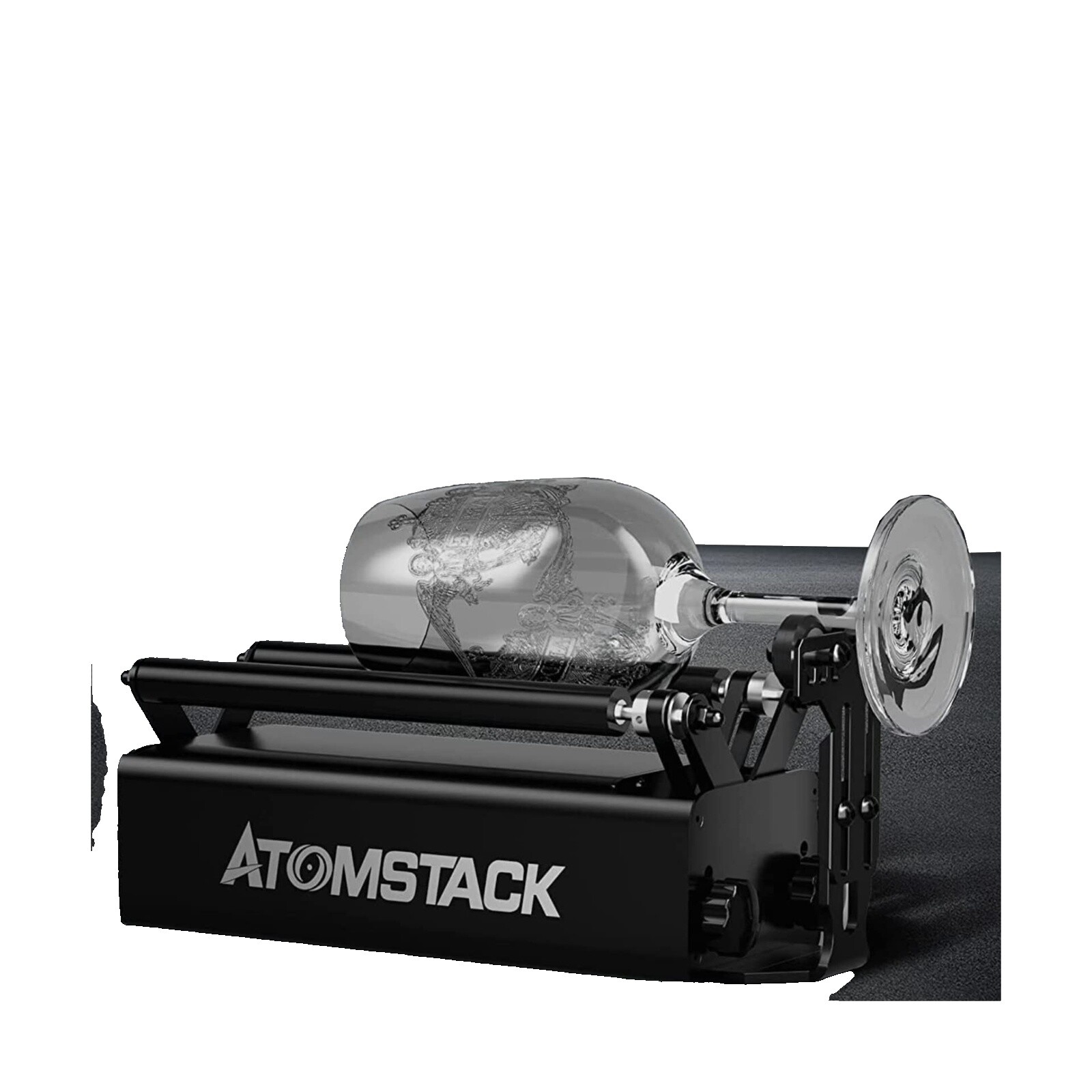
Atomstack Fiber Laser: What to Know Before You Buy
An Atomstack fiber laser may appeal to makers, small businesses, and workshops looking for a compact machine to mark or engrave materials such as metal. Before choosing one, it helps to understand what “fiber laser” means, what materials a particular model can handle, and which specifications matter most.
What Is an Atomstack Fiber Laser?
Fiber lasers generate laser light through an optical fiber and are commonly used for precise marking and engraving, especially on metals. The term is sometimes used loosely in product listings, however. Some desktop engravers use an infrared laser source rather than a conventional fiber-laser system, even when sellers describe them as fiber lasers. Atomstack’s product lineup and specifications can vary by model, so check the manufacturer’s documentation for the exact laser source and wavelength.
What Can It Engrave?
Depending on the model and material, a laser engraver may be suitable for marking items such as stainless steel tools, aluminum tags, jewelry, and coated metal products. Certain machines may also work with some plastics or other materials, but results vary. A laser that marks bare metal may not cut through it, and engraving depth depends on factors including laser power, material composition, focus, speed, and the number of passes.
Always check the material guidance for the specific machine. Some plastics can release hazardous fumes when processed, and reflective surfaces may require particular care. Do not engrave unknown materials.
Key Features to Compare
- Laser type and wavelength: Confirm whether the model uses a fiber, infrared, or diode laser. These technologies behave differently across materials.
- Optical output power: Compare the laser’s rated optical output, not just general power figures in a listing. Higher output does not guarantee better results for every task.
- Work area: Make sure the marking field fits your typical projects. A smaller field can be suitable for tags and small objects, while larger pieces may need repositioning or a different setup.
- Focus and positioning: Clear focusing instructions and reliable positioning tools can make repeat jobs easier and help produce consistent marks.
- Software compatibility: Check supported operating systems, file formats, and whether the machine works with the design software you already use.
- Safety provisions: Look for appropriate shielding, an emergency stop, and clear operating instructions. Use suitable eye protection and ventilation as directed by the manufacturer.
Fiber Laser vs. Diode Laser
Fiber and infrared lasers are often chosen for detailed marking on metals, while many blue diode engravers are commonly used for wood, leather, paper, and other suitable nonmetal materials. The right choice depends on the materials and results you need. A machine’s label alone is not enough: compare its wavelength, output, work area, and material recommendations.
Safety and Setup
Laser engravers can cause eye injuries, burns, fires, or exposure to harmful fumes. Operate the machine only as instructed, keep the work area supervised, and use the specified enclosure and protective equipment. Provide effective ventilation, keep flammable materials away, and never leave an active laser unattended. Follow local rules and the manufacturer’s safety guidance.
Is an Atomstack Fiber Laser Right for You?
An Atomstack machine may be worth considering if its documented capabilities match your projects and you want a desktop tool for small-scale marking or engraving. Compare the exact model with alternatives, review independent demonstrations using your intended materials, and confirm the availability of replacement parts and customer support before buying.
The most useful starting point is the model’s official specification sheet. Verify the laser technology, optical output, compatible materials, work area, software requirements, and safety features rather than relying on the phrase “fiber laser” alone.
Understanding Atomstack Fiber Lasers: Key FAQs and Safety Tips
- What is an Atomstack fiber laser, and how does it differ from a diode laser?
- What materials can an Atomstack fiber laser engrave or mark?
- Can an Atomstack fiber laser cut metal?
- How do I focus and set up an Atomstack fiber laser?
- What safety precautions should I take when using an Atomstack fiber laser?
What is an Atomstack fiber laser, and how does it differ from a diode laser?
An Atomstack fiber laser is a laser engraver that uses a fiber-based laser source—or, depending on the specific model, another infrared laser technology—to mark materials such as metal. Unlike a typical blue diode laser, which is often used for engraving wood, leather, and other nonmetal materials, a fiber laser is generally better suited to detailed marking on metals and may work faster on compatible surfaces. Features and capabilities vary across Atomstack models, so check the product specifications to confirm the laser type, wavelength, and supported materials.
What materials can an Atomstack fiber laser engrave or mark?
An Atomstack fiber laser’s material compatibility depends on the exact model and laser source, so check the manufacturer’s specifications before starting a project. Fiber lasers are commonly used to mark or engrave metals such as stainless steel, aluminum, brass, and titanium, while some models may also work with coated metals and certain plastics. Results vary by material, surface finish, and settings, and engraving does not necessarily mean the laser can cut through a material. Avoid unknown plastics or materials that may release hazardous fumes, and follow Atomstack’s safety and material guidelines.
Can an Atomstack fiber laser cut metal?
Whether an Atomstack fiber laser can cut metal depends on the exact model and its specifications, but most desktop laser engravers are designed primarily for marking or engraving—not cutting through metal. Cutting metal generally requires a much more powerful industrial laser and the right setup. Check the manufacturer’s documentation for your model, and don’t assume that a machine’s ability to mark metal means it can cut it.
How do I focus and set up an Atomstack fiber laser?
To focus and set up an Atomstack laser, place it on a stable, level surface and follow the instructions for your exact model, since focusing methods and required working distances can vary. Connect the machine to its compatible software, secure your material, and use the supplied focus gauge or height-adjustment method to set the correct distance between the laser module and the workpiece. Confirm the design’s position and settings with a low-power preview or test mark before engraving. Keep the protective enclosure and required eye protection in place, provide suitable ventilation, and never leave the laser running unattended.
What safety precautions should I take when using an Atomstack fiber laser?
When using an Atomstack fiber laser, follow the safety instructions for your specific model and never operate it with required guards or interlocks disabled. Use the manufacturer-recommended, wavelength-rated laser safety eyewear, keep the beam enclosed and away from reflective surfaces, and never look directly at the beam. Work in a well-ventilated area with appropriate fume extraction, process only materials confirmed safe for laser engraving, and keep flammable items away. Stay with the machine while it is running, keep a suitable fire extinguisher nearby, and turn the laser off before cleaning, adjusting, or servicing it.
No Responses