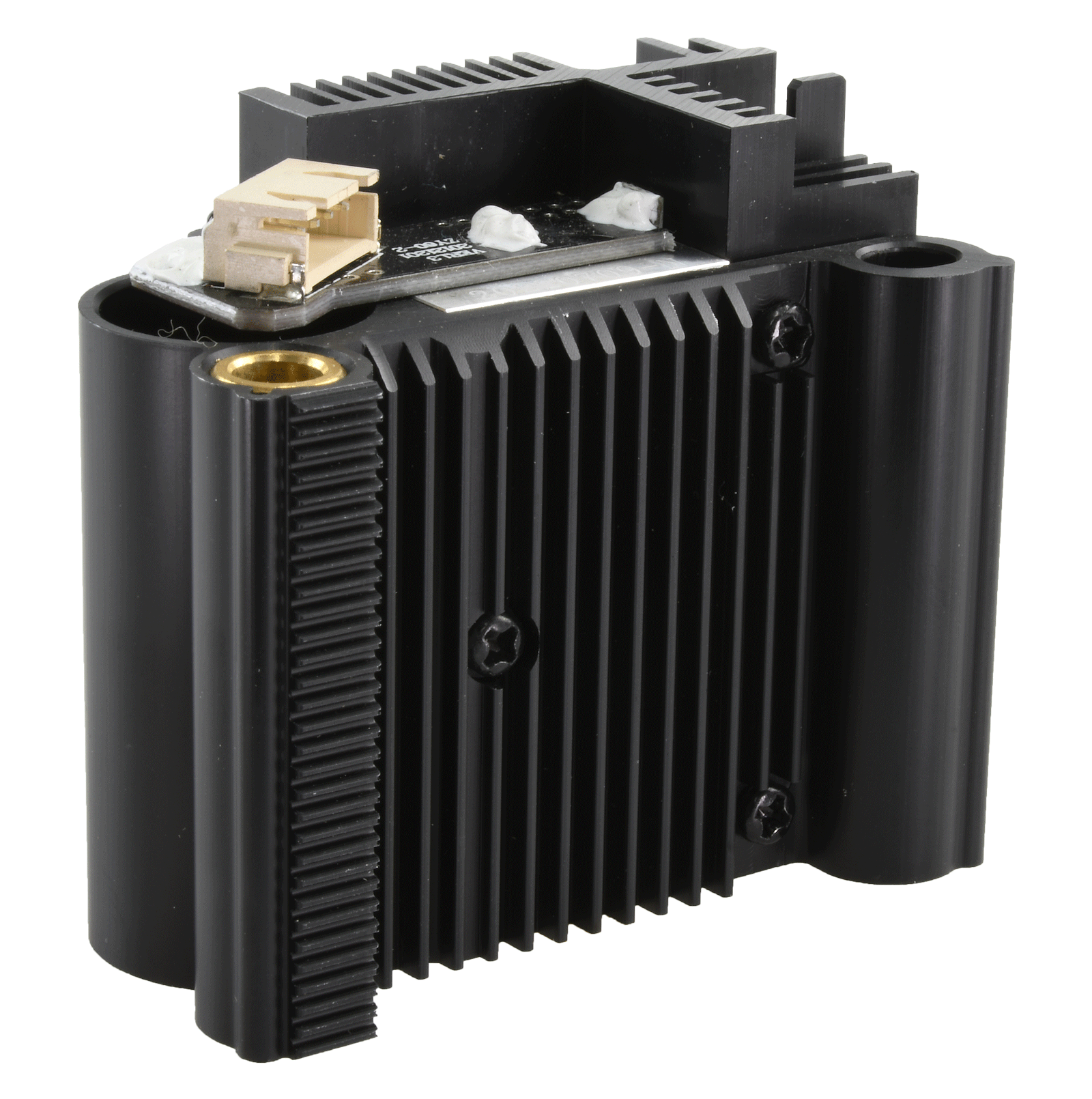
xTool M1 5W: A Compact Laser and Craft-Cutting Machine
The xTool M1 5W is a desktop machine designed for people who want to personalize and make small projects at home, in a studio, or in a small business. It combines a low-power diode laser with a blade-cutting function, giving users two ways to work with a range of craft materials. Its enclosed design and camera-assisted workflow make it approachable for beginners, while its compact format suits workspaces where a larger laser cutter would be impractical.
What Is the xTool M1 5W?
The “5W” refers to the laser’s optical output power. The laser can mark, engrave, and cut certain materials, depending on the material’s composition and thickness. The M1 also includes a blade-cutting function for materials such as paper, vinyl, and thin fabric. This combination lets users choose the tool that best suits each project instead of relying on the laser for every task.
The M1 is a different kind of machine from a high-powered industrial laser cutter. Its 5W laser is intended for smaller craft and personalization projects, and it may need multiple passes to cut some materials. Results vary with material, thickness, focus, settings, and machine condition.
Features for Creative Projects
Laser engraving and cutting
The diode laser is useful for adding names, logos, illustrations, and decorative patterns to compatible materials. It can also cut some thin materials, such as suitable wood or card, but the 5W output limits the thickness and speed compared with more powerful machines. Always check xTool’s current material guidance and test settings on a scrap piece first.
Blade cutting
For materials that are better suited to a blade, the M1 can cut designs without using the laser. This is particularly helpful for paper-based crafts and other thin sheet materials. A blade can also be a better choice for materials that should not be laser processed.
Camera-assisted placement
The machine’s camera-based workflow helps users position designs on material and preview the work area in compatible software. This can make it easier to personalize items or use material efficiently. For the best alignment, keep the material flat and follow the software’s setup and calibration instructions.
What Can You Make?
Depending on the material and project settings, the xTool M1 5W can be used for items such as engraved tags, personalized gifts, paper decorations, signs, labels, and small craft components. The laser and blade functions support different types of work, so it is worth choosing the method based on the material rather than the design alone.
Before starting a project, consider the material’s thickness, surface finish, and composition. Some coated or manufactured materials can release hazardous fumes when processed. Never assume a material is laser-safe just because it is commonly used for crafts.
Advantages and Limitations
- Two working methods: Laser processing and blade cutting offer flexibility for a variety of craft projects.
- Compact format: The desktop design is easier to accommodate than many larger machines.
- Beginner-friendly workflow: Camera-assisted placement and compatible design software can help simplify setup.
- Limited laser power: The 5W laser is best suited to lighter-duty engraving and cutting, not fast production or thick materials.
- Material testing is important: Reliable results depend on the specific material, settings, and preparation.
Safety and Ventilation
Laser engraving and cutting can create smoke, particles, and potentially harmful fumes. Use the machine only in accordance with the manufacturer’s safety instructions, and provide appropriate ventilation or filtration. Keep the enclosure closed during laser operation, supervise the machine while it is running, and keep flammable materials away from the work area.
Only process materials that the manufacturer identifies as suitable. Do not laser-cut PVC, vinyl, or unknown plastics; these can release dangerous fumes or damage equipment. Blade-cutting a material does not automatically make it safe to laser process.
Is the xTool M1 5W Right for You?
The xTool M1 5W may be a good fit for hobbyists, crafters, and small-business owners who want one desktop machine for light laser work and blade-cutting projects. It is especially appealing if space is limited and projects involve small items, personalization, or mixed craft materials.
If your work requires frequent cutting of thicker stock, faster production, or a larger work area, compare the M1 with higher-powered machines before buying. Also check the current package contents, supported materials, software requirements, and accessory compatibility, since these can vary by model and sales bundle.
Final Thoughts
The xTool M1 5W offers a versatile entry point into desktop making by combining a modest diode laser with blade cutting and camera-assisted design placement. Its strengths are convenience and flexibility for craft-scale work. Understanding the limits of a 5W laser—and following material and ventilation guidance—is essential to getting useful results safely.
7 Essential Tips for Using the xTool M1 5W Safely and Effectively
- Use the correct focus setting for your material and thickness.
- Run a small test grid to dial in speed and power.
- Keep the lid closed and never leave a job unattended.
- Ventilate fumes outdoors with the exhaust system.
- Never engrave PVC, vinyl, or unknown materials.
- Secure flat materials so they cannot shift during cutting.
- Clean the lens and work area regularly for consistent results.
Use the correct focus setting for your material and thickness.
Before starting a project on the xTool M1 5W, set the laser focus for the material you’re using and its thickness. Proper focus helps the laser deliver a cleaner, more consistent result, while incorrect focus can lead to uneven engraving or incomplete cuts. Follow the machine’s instructions to position the material and set focus, and test the settings on a scrap piece before working on your final project.
Run a small test grid to dial in speed and power.
Before starting your final project on the xTool M1 5W, run a small test grid to dial in the right speed and power for your material. Create a set of squares or lines using different settings, then compare the results for engraving depth, color, and cut quality. This quick test can help you avoid overly dark marks, incomplete cuts, or wasted material. Test on a scrap piece that matches your project material, since settings can vary between materials—even when they look similar.
Keep the lid closed and never leave a job unattended.
For safe operation of the xTool M1 5W, keep the lid closed whenever the laser is running, and never leave a job unattended. The enclosed lid helps reduce exposure to laser light, while staying nearby lets you respond quickly if you notice smoke, a flame, or another problem. Follow the manufacturer’s safety instructions and stop the machine if anything seems unusual.
Ventilate fumes outdoors with the exhaust system.
When using the xTool M1 5W, connect the exhaust system and route its outlet outdoors to help remove smoke and fumes from the work area. Make sure the hose is securely attached and unobstructed, and operate the machine in a well-ventilated space. Follow xTool’s instructions for setup and maintenance, and only process materials confirmed safe for laser use—an exhaust system does not make hazardous materials safe to cut or engrave.
Never engrave PVC, vinyl, or unknown materials.
Never engrave PVC, vinyl, or materials you can’t positively identify with the xTool M1 5W. Laser processing these materials can release toxic, corrosive fumes that are dangerous to breathe and may damage the machine. Before starting a project, confirm that the material is approved for laser use by the manufacturer, and if you’re unsure, choose a safer, clearly labeled alternative.
Secure flat materials so they cannot shift during cutting.
Secure flat materials before cutting with the xTool M1 5W to prevent them from shifting and throwing off the design. Make sure the material is lying evenly on the work surface, then use suitable clamps, pins, or other approved hold-downs to keep it in place without obstructing the machine’s path. A stable setup helps produce cleaner, more accurate cuts and reduces the risk of a failed project.
Clean the lens and work area regularly for consistent results.
For consistent results with the xTool M1 5W, clean the lens and work area regularly. Dust, smoke residue, and debris can interfere with the laser and affect engraving or cutting quality. Before cleaning, turn off and unplug the machine, let it cool, and follow the manufacturer’s instructions. Use only recommended cleaning materials for the lens, and clear scraps and residue from the work area before each project.
No Responses